

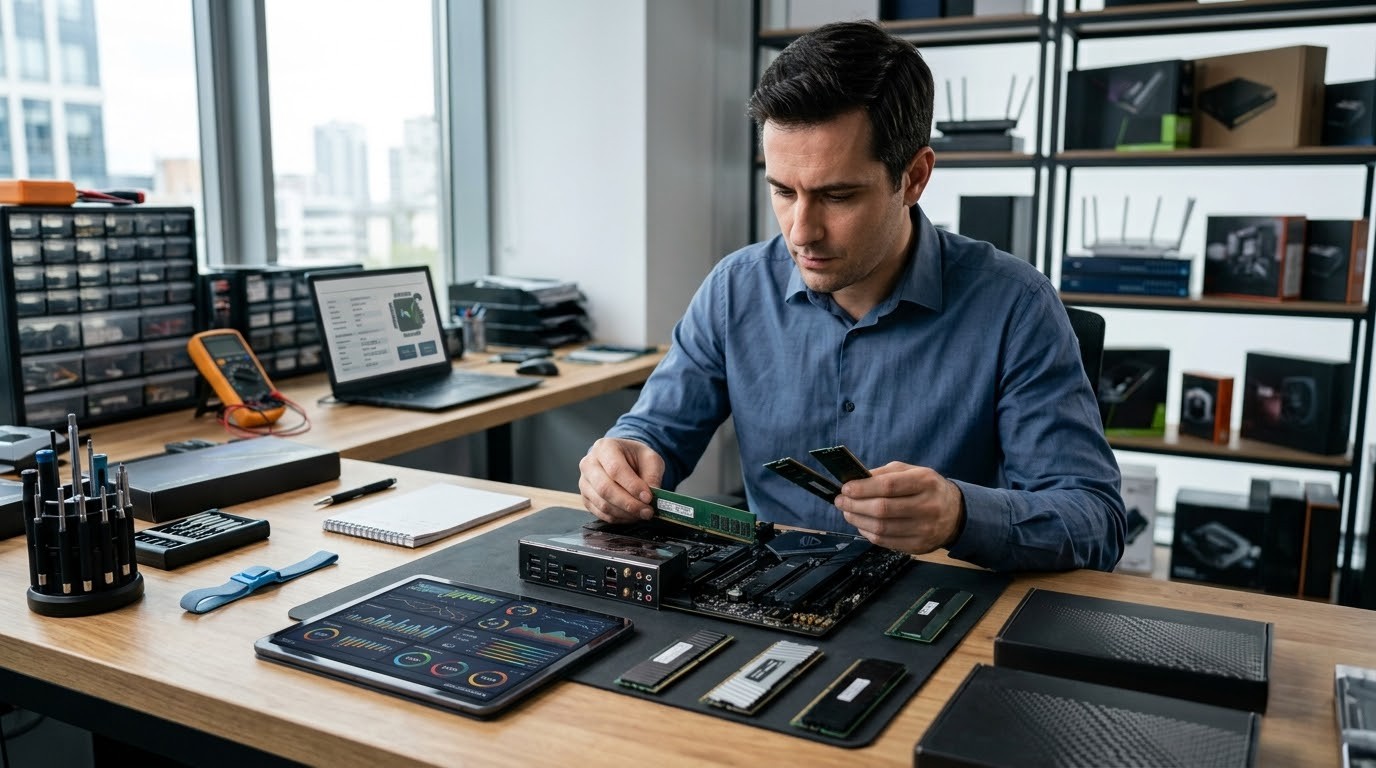
RAM has never been a "set it and forget it" line on a spec sheet. For IT retailers and business partners, it shapes what to stock, what to recommend, and what customers ultimately pay. Right now, there's a second factor in play: prices are climbing.
TrendForce predicts conventional DRAM prices would rise from 13 to 18% in Q3 2026. Server DRAM remains tight too, though its price increases are expected to be more moderate. This shift is leaving partners unsure what to stock on their shelves.
But there are no straight, direct answers to this confusion. It depends on what the partner sells, who they sell to, and how fast stock moves through their inventory. Before answering what to stock up on, it is important to know who makes this easier for you. Redington Online aims to make partner procurement a lighter and hassle-free experience.
Why RAM Prices Are Hitting the Sky
We would think it because of PC demand in the market. But it's because of our new companion, which will stay with us longer in our lives (AI). AI data centers are consuming a huge share of the global memory supply, particularly high-bandwidth memory (HBM) used in these systems. SK Hynix, the market's largest memory manufacturer, said this demand-to-supply gap may continue for years, possibly into the next decade. Micron too seems to agree. They raised U.S. investment to $250 billion through 2035, stating that memory demand won't slow down in the current timeline.
Retailers and partners, the sign we need to understand is that this won't be a short-term spike that settles down in a quarter or two. If you overbuy, the stock gets shelved on your shelves. If you underbuy a module, you won't fulfill the customer's need.
Workload Matters More Than Spec Sheet
When a customer asks for more RAM storage, the first question to pop up for you is not what pricing you're looking for. But ask what the purpose of the additional storage is.
Imagine a customer using a laptop mostly for email, spreadsheets, and some browsing who doesn't need much memory. On the other hand, a workstation running design software or building huge apps or continuous game playing needs a different beast. For maintaining large databases, development work, or any heavy creative tasks, you need 32 GB or more to make a real difference. Most of them assume the bigger is always better. It matters when workloads demand RAM. That's why workload matters more than the spec sheet.
DDR4 or DDR5? Check Before Assuming
A newer RAM standard that delivers noticeably stronger performance. But that doesn't make it the right fit for every system.
The older version, still very much active across laptops and desktops. These two generations don't mix.
So it's worth checking twice what the customer's system supports and what they need.
Faster Doesn't Always Suit
A high-speed machine relies not only on bigger, newer RAM, but also on the impact players like the processor and motherboard. Just because customers have the cabinet space for extra RAM doesn't mean they need high-clocked premium RAM. The best way is matching the speed to perform the workload smoothly, not chasing the biggest number in the market.
RAM is not a single universal product. Form factors matter here. Desktops usually use standard DIMMs, but as laptop size changes, so does the RAM; they opt for SO-DIMMs, and big servers use registered DIMMs or ECC memory, depending on the server type.
For procurement, DDR generation, speed, form factor, and ECC or non-ECC details help partners understand the market, avoid losing the deal, and prevent product returns.
What Should Partners Do Now?
This price rise affects not only partners but customers too. They will be hesitant to buy a new one. So we have to change the stocking strategy. Because the module that sold out easily for business laptops might remain untouched due to the price hike, as demand shifts to the tablet segment.
Track your recent order history
- Which RAM capacity are customers preferring?
- Analyze which tops the chart: laptops, desktops, workstations?
- Which DDR generation is selling out?
- What's easiest to source reliably right now?
- Any customer projects in the pipeline that could shift demand?
Buy Now or Wait It Out?
In this pressure situation, waiting too long for the price to drop isn't advisable, and stocking more would choke your neck. For partners with a pre-order commitment or large-scale demand in the pipeline, stocking up can be a good option. If demand is unclear, investing in a particular stock carries risk.
Partners shouldn't judge a module on price per gigabyte alone. A lower-priced module won't be the best deal to close if it is hard to procure. So, they have to consider:
- Brand
- Availability
- Warranty
- Lead time alongside price
Making Procurement Easier with Redington Online
Redington Online keeps RAM options, pricing, and availability all in one space. Partners can request a quote; a dedicated team will reach out quickly and coordinate with you for a smooth experience. Multiple requirements at the same time? Don't worry, we handle the pressure. It can be a batch of laptops or a full-scale order.
Situations keep changing; those who adapt tend to come out ahead. Procurement may have been different earlier, but now chasing the highest-priced module isn't the answer anymore. It comes down to the system, what the customer actually requires, and the budget. The important question to ask before every order is: what needs to be moved off the shelf?
Checking capacity alone isn't enough — partners should consider DDR generation, speed, form factor, ECC requirements, compatibility, and the use case. In this price hike, getting the right product to the right customer at the right time isn't just good service; it also builds good margin and strengthens the revenue portfolio. Redington is here to help its partners make that call with confidence.
Explore Redington Online