

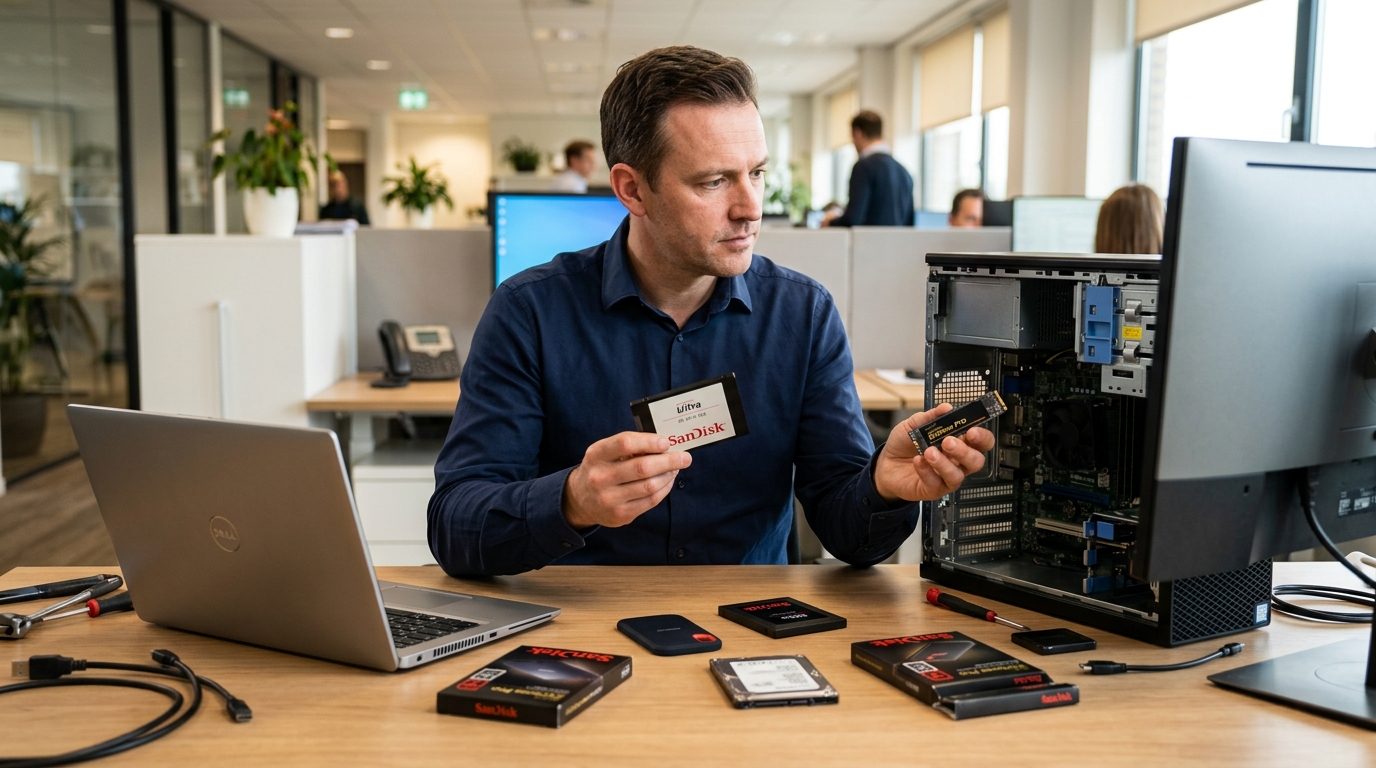
Storage recommendations that skip workload analysis often come back as support issues, and for most clients, a misconfigured SanDisk SSD is the kind of mistake that is remembered longer than the sale. A financial services firm running ERP and compliance data is not operating the same storage environment as a media production house pushing high-bitrate footage through an editing pipeline. Getting that distinction right is what separates a strategic technology partner from a box mover.
This guide is built around how IT partners can align SanDisk SSD solutions to actual client workloads, covering desktop environments, laptop fleets, and professional workstations.
Workload Profiling Before SSD Selection
Leading with specs is the wrong starting point. A business refreshing a desktop fleet for standard office use has no requirement for enterprise-grade NVMe throughput. Recommending a high-performance SSD in that environment inflates cost without delivering a return. Going the other direction and specifying a SATA solid-state drive for a data analytics team or post-production workflow creates a bottleneck that will surface as a support issue within weeks.
Workload profiling changes that dynamic. Before any SSD recommendation goes to a client, the evaluation should cover the application stack, data volumes, concurrent user load, and where the infrastructure needs to be in twelve to twenty-four months. Partners who build that process into their pre-sales conversations deliver solutions that hold up across the contract lifecycle and reduce the back-and-forth that comes from under-specified storage.
SanDisk SSD for Desktop Environments
Most enterprise desktop deployments run a fairly consistent application mix. ERP platforms, collaboration tools, document management systems, financial software. These environments are not pushing storage to its limits, but they do require consistent I/O performance across a full working day with multiple applications running concurrently.
For SSD for desktop recommendations in these environments, a few criteria matter more than peak throughput figures:
- Sustained read and write consistency across concurrent workloads carries more weight than headline sequential speeds in standard business environments.
- Integration with existing imaging workflows and endpoint management platforms reduces IT overhead on large rollouts, which is a practical consideration on any significant desktop refresh project.
- Form factor and interface compatibility with existing hardware determines whether a storage upgrade is viable without additional capital spend on new machines.
SanDisk SATA SSDs are well-positioned for enterprise desktop deployments. They deliver the reliability and consistent performance that business-critical applications require while giving clients a practical path to extending the serviceable life of existing hardware. For clients operating under refresh budget constraints, a targeted storage upgrade delivers a measurable productivity return without the capital outlay of a full fleet replacement.
Best SanDisk SSD for Business Laptops
Laptop deployments across hybrid and distributed workforces carry storage requirements that vary significantly by role. Employees operating across multiple locations and accessing enterprise applications, cloud-synced repositories, and collaboration platforms put different demands on storage than a fixed office environment, and those differences need to be reflected in the specification.
Capacity is not a sufficient selection criterion for mobile workforce deployments. The evaluation needs to go further:
- Sequential speeds on spec sheets are misleading. Random read and write performance under live application load is what actually determines usability for roles running multiple enterprise applications simultaneously.
- Lower-power NVMe solutions extend operational uptime for mobile workforces without requiring any changes to existing backend infrastructure.
- Endurance ratings are non-negotiable in high-write environments. Document creation, data entry, and cloud-sync caching place consistent write pressure on drives that low-endurance specs are not built to sustain.
- Across distributed fleet deployments, warranty terms and RMA response times directly affect how efficiently IT teams can manage failures without disrupting other operational priorities.
Recommending the best SanDisk SSD for business laptops requires specification at the role profile level. A field sales team, a remote finance department, and an executive group operate differently, and those differences should drive separate storage specifications within the same deployment project.
SanDisk SSD for Workstations and Professional Workloads
A portion of every partner's client base runs workloads that place sustained and intensive demand on storage. Design firms, engineering consultancies, media production companies, software development teams, and data analytics practices all fall into this segment. For these clients, storage is not a secondary specification. It is a primary constraint on how much work gets done and how fast.
The workloads that create the most acute storage pressure include:
- CAD and BIM applications loading large assembly files where random read performance determines whether render and simulation times are acceptable or not.
- Non-linear video editing workflows where simultaneous read and write operations on high-bitrate footage push storage bandwidth consistently during active production.
- Machine learning pipelines generating and processing large datasets continuously, requiring both throughput and low latency at the same time.
- Business intelligence platforms running complex queries against large local datasets, where storage read speeds affect reporting cycle times directly.
- Engineering and architectural workflows where project file sizes grow progressively and version control operations create frequent concurrent read and write demands.
Recommending the best SanDisk SSD for workstations in these environments is a performance-critical decision. Undersized storage creates compounding delays across project timelines, increasing labor costs and reducing output. Partners who frame this to clients as an operational efficiency decision with a direct impact on project delivery are positioning the conversation correctly. A high-performance SSD in a professional workstation environment is not a hardware upgrade. It is an output decision.
The SanDisk SSD range covers the full spectrum from reliable SATA solid state drive options for standard business environments through to high-performance SSD solutions built for demanding professional workloads. The product range is there.
Partners who build workload profiling into their pre-sales process, ask the right questions about application stack and growth plans, and specify storage against actual client requirements rather than default to a mid-range option across every project are the ones delivering outcomes that hold up. That is what builds the kind of client relationship that does not need to be rebuilt after every deployment.
Explore the full SanDisk SSD portfolio available through Redington Online and find the right storage solution for every client workload.
Explore Now