

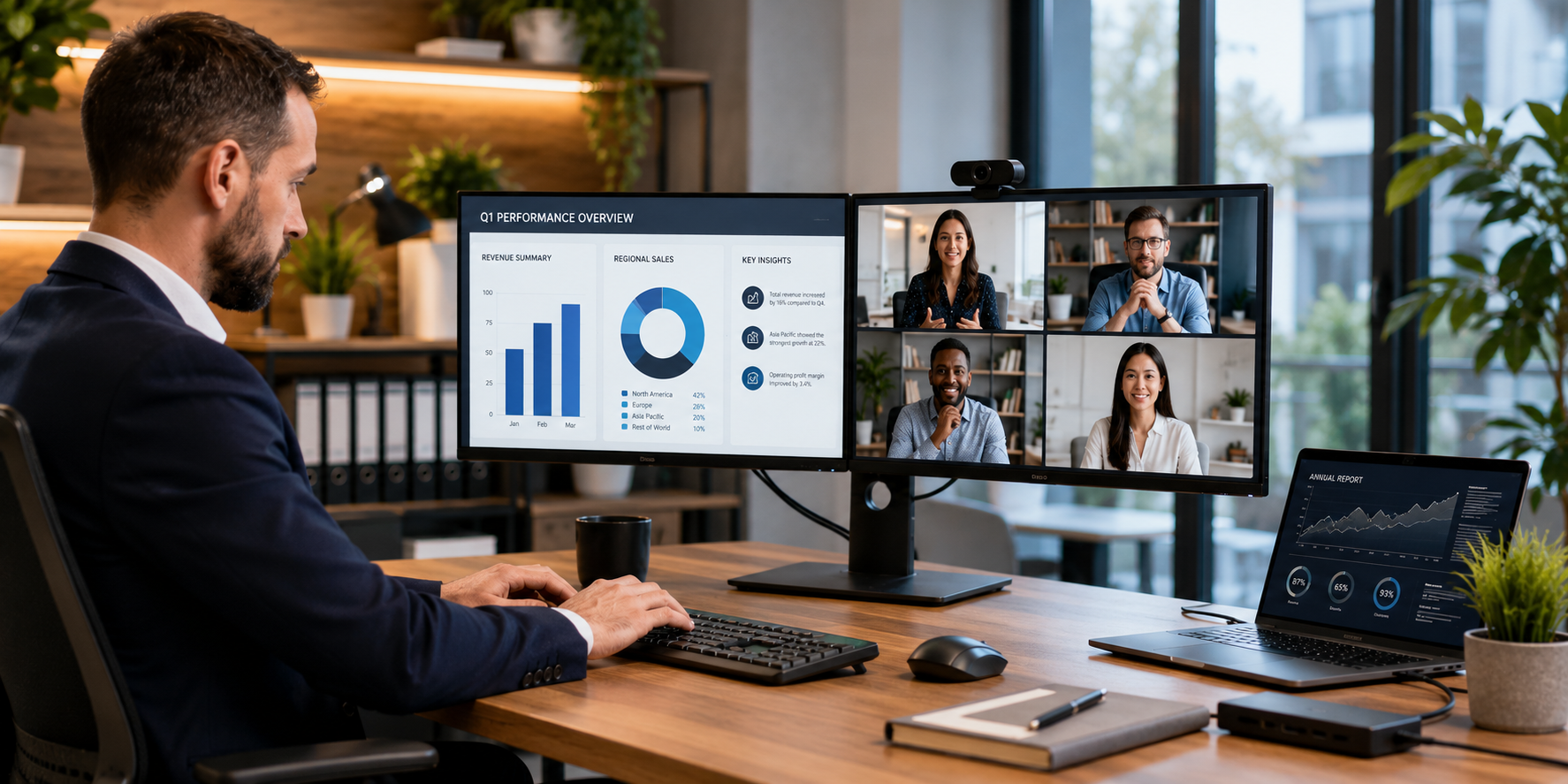
A monitor is often treated as a simple addition to a laptop or desktop. Employees want larger screens, higher resolutions, USB-C connectivity, integrated docks, built-in cameras, and more multi-monitor configurations. This represents an exciting new opportunity for partners to look past just adding monitors.
Partners will now have the opportunity to work with customers to build the entire workstation, ultimately improving end-user productivity, enhancing workstation connectivity, and enhancing the overall end-user experience.
Industry Snapshot
The global PC market continued to grow in 2026, with worldwide PC shipments reaching 62.8 million units in Q1, up 4% year over year, according to Gartner. The growth was partly driven by inventory builds by vendors and channel distributors ahead of expected price increases.
For partners, the continued movement of PCs through the channel also creates opportunities to look beyond the endpoint itself. As businesses refresh laptops and desktops, partners can evaluate the complete workstation setup — including monitors, connectivity, and peripherals — to help customers build more productive work environments.
What Makes a Business Monitor Relevant in 2026?
No longer does a business require the same type of display for every employee. For example, a financial person who spends most of his time doing spreadsheet analysis may require greater screen space than a hybrid worker who requires a display with USB-C connectivity and/or a built-in camera.
To determine the ideal office monitor for a client, you need to assess your client's workflow.
There are key criteria that customers use to selecting the right monitor, including:
Using these elements as guidelines, partners can shift the discussion from mere specification details to the specific needs of their clients' businesses.
Match the Monitor to the User
Executive and hybrid workers tend to move back and forth between home/remote locations and office environments. They would greatly benefit from monitors that simplify connectivity and minimize desk clutter.
A USB-C monitor can connect to a compatible laptop to deliver video, data, and power over a single cable. Many USB-C monitors come equipped with USB hubs, Ethernet connections, speakers, and/or other connection types. Therefore, for partners, these monitors can be marketed as part of a highly convenient, easy-to-manage workstation rather than simply another screen.
Financial professionals that work with spreadsheets and other financial data, operations teams that manage multiple processes, and data teams that collect and analyze large amounts of data typically need larger displays and higher resolutions. More screen space allows users to see more data/information at one time.
Additionally, having two or more monitors connected (a multi-monitor configuration) provides those teams with additional screen space to continue working across multiple applications.
Before recommending two or more monitors to their clients, partners should try to understand each employee's workflow. More screens will only add value if there is a legitimate need to improve productivity.
Software developers and technical teams typically work across many applications, including code editors, documentation systems, test-environment software, virtual machines, and communication tools. These users will find it beneficial to have either a larger high-resolution display or multiple monitors. When connecting to multiple external devices/peripherals or additional displays, connectivity is also a consideration.
Graphic designers, video editors, marketing teams, etc., are different users whose primary concern is generally display quality when performing tasks such as image and video editing, and working with graphics and other visual materials. Partners should consider resolution, color accuracy, color gamut, screen size, and connectivity when selecting a display for these types of workloads.
Price Is Not the Same as Value
Many customers have a budget when making purchases. But low cost does not mean best value to businesses. In many cases, a higher-priced display could offer superior ergonomics, connectivity, dependability, and productivity-enhancing features that contribute to greater business value throughout its life cycle. This is especially true for organizations that order multiple units at once.
Partners should consider the overall deployment scenario rather than focusing primarily on finding the "best" office monitor within a particular price range. For instance, a monitor with built-in docking capabilities would eliminate the need for purchasing a separate docking station. An adjustable monitor with ergonomic features would help employees who spend extended periods sitting. And a monitor with various connectivity options could be used well after the customer upgrades their computers.
Turning Monitor Sales Into Workplace Solutions
Channel partners can also deliver substantial added value through this process. When customers are purchasing laptops, they typically also need:
- Laptops
- Monitors
- Docking stations
- Keyboards & mouse
- Webcams
- Headsets
- PC refresh cycles
- New office installations
- Hybrid-work deployments
- Workforce growth/expansion
- Workspace modernization
- Employee onboarding
- Large-scale device replacement
Rather than looking at each product separately, channel partners can recommend a comprehensive workstation package to the customer based on the customer's employee roles. By taking this holistic view of the workstation, channel partners can identify additional opportunities while offering customers a much more cohesive technology experience.
Therefore, the discussion around monitors can evolve into a broader discussion of workplace technologies.
Questions Partners Should Ask
Before selecting a monitor, channel partners must take into account the customer's business requirements, user profiles, and deployment plans:
- Who will use the monitors, and what will be their main workloads? What applications and activities do you expect them to accomplish most often?
- Will the monitors be required for one or more individuals, departments, or a company-wide rollout?
- Are customers undertaking a simultaneous upgrade of their laptops/desktops in conjunction with the monitor purchase?
- Do your users require USB-C connectivity, Power Delivery, or Integrated Docking?
- Would one monitor or multiple monitors better meet your customers' workflow requirements?
- Are there specific requirements regarding Resolution, Color Accuracy, Ergonomic features, or Conferencing Video Requirements?
- What is the recommended budget, deployment timeline, and anticipated lifespan of each device to be deployed?
The role of business monitors is changing. As companies replace their computers and transition their workplaces to accommodate remote workers, displays are playing an ever-growing role in the overall workstation.
This presents partners with an opportunity to move beyond being transactional, understand the market status and demand, and provide solutions that improve productivity, connectivity, and the employee experience for their business customers.
With the right approach, a monitor purchase can become the starting point for a broader workstation solution.
Explore business monitors and workplace solutions on Redington Online.
Explore Business Monitors