
In any workplace, laptops and desktops are the major components, but they cannot function fully without the necessary peripherals for a modern workplace setting. Monitors, docking stations, headsets, keyboards, printers, and other accessories are significantly important for business productivity, connectivity, and user experience.
With hybrid working conditions increasingly becoming the new norm, businesses are on the lookout for essential peripherals for remote work. For partners, this creates an opportunity to look beyond the primary device, and instead of treating peripherals as standalone, they can recommend complete workstation solutions for businesses to set up a modern workplace.
What Makes a Workplace Peripheral Important in 2026?
A peripheral should meet one key element. The peripheral should answer a particular requirement that is part of the user's daily workflow.
Partners should also evaluate:
This approach helps partners recommend products based on customer requirements rather than simply choosing the most popular or lowest-priced accessory.
Essential Peripherals for Different Workstyles
Businesses will have multiple different technology requirements, so a single peripheral configuration may not be suitable for every user.
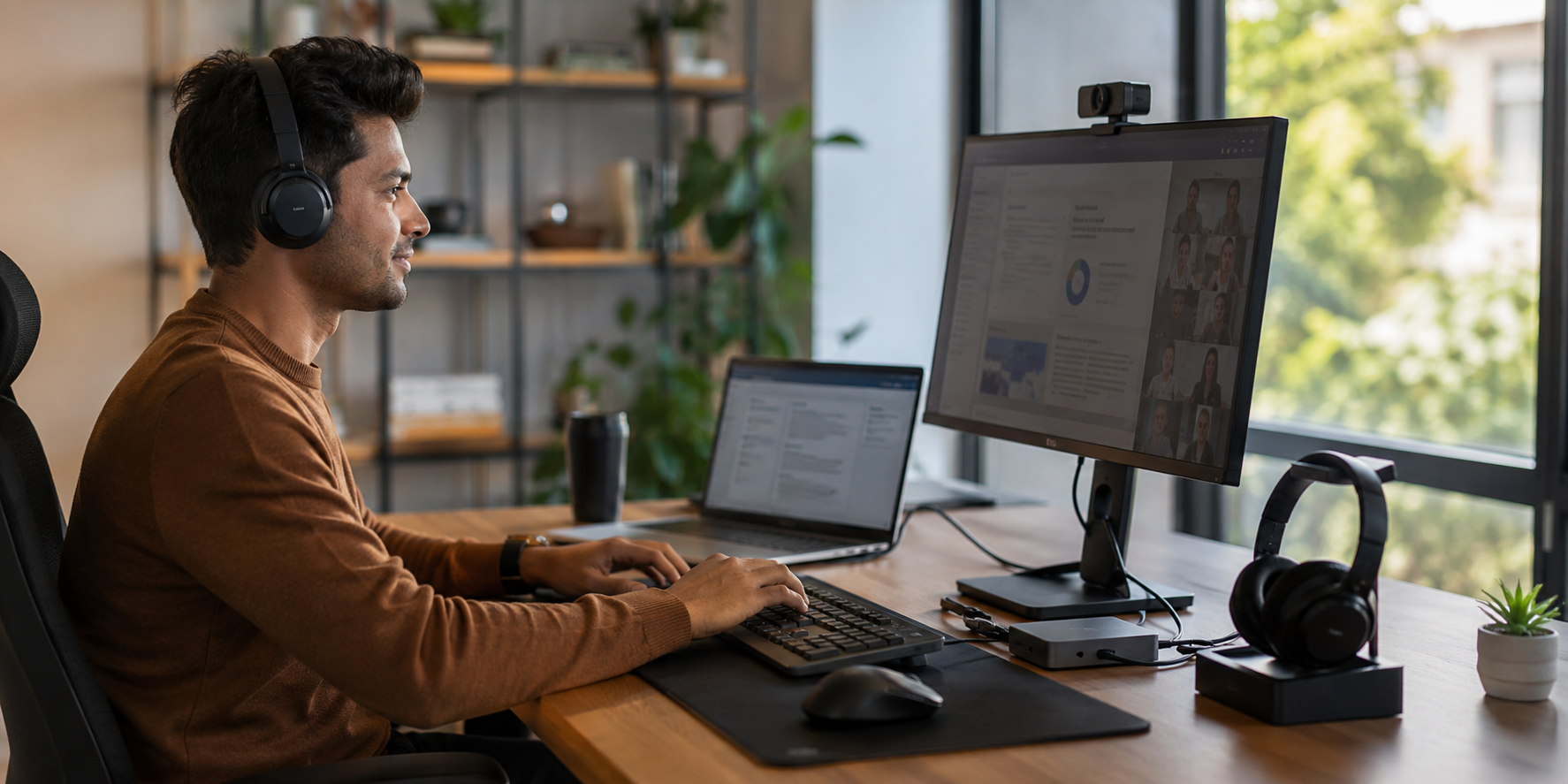
Businesses that offer hybrid and remote work, where employees split their work hours between a home and an office environment, require workstations with products that are easily connected and can be utilized across locations.
Useful remote work setup accessories can include:
For example, a docking station provides a compatible laptop with one cable the ability to plug into a monitor, network, keyboard, mouse and other peripherals.
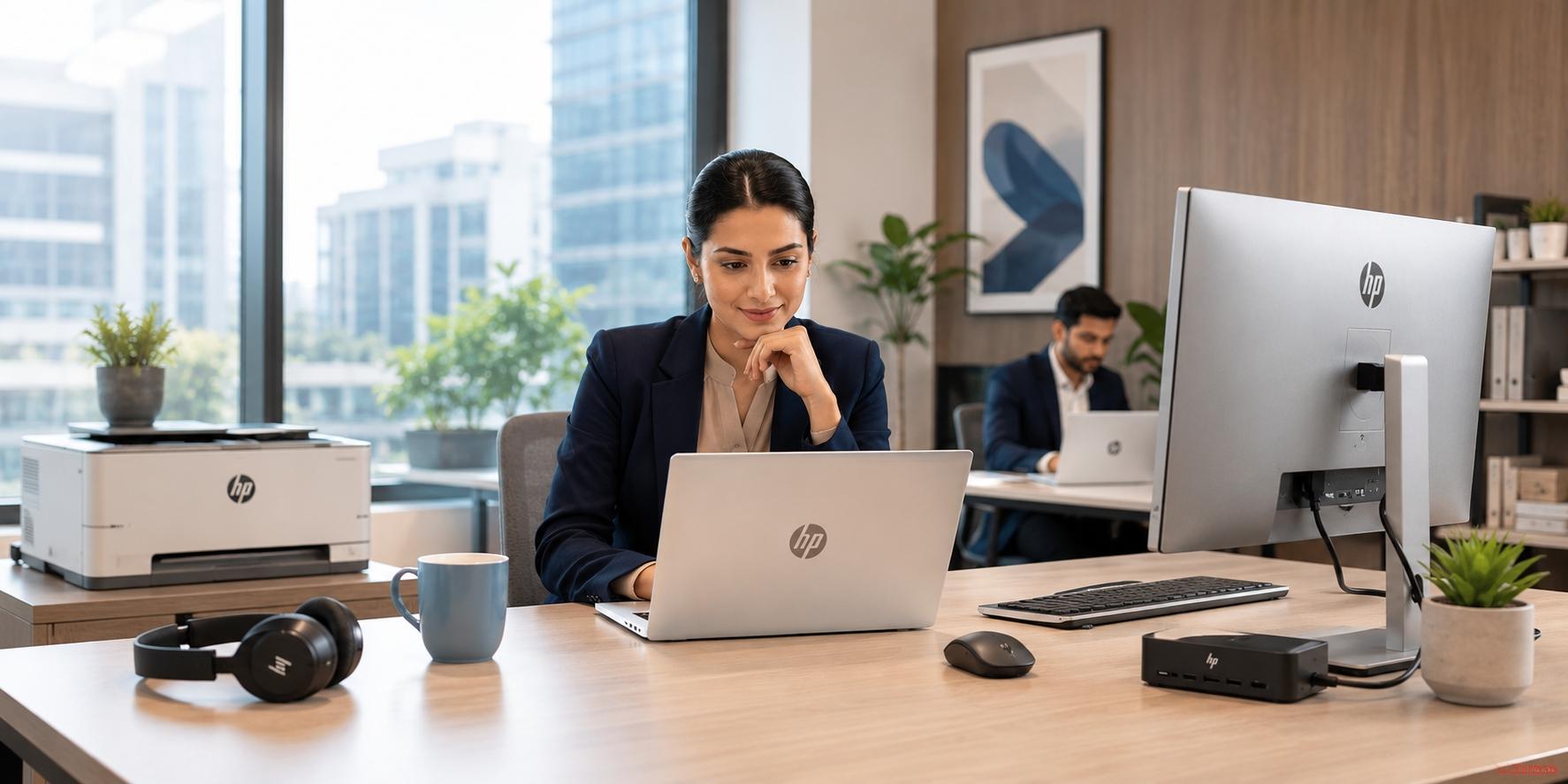
Workers that spend most of their time in an office would greatly benefit from the added functionality provided by many types of office peripherals.
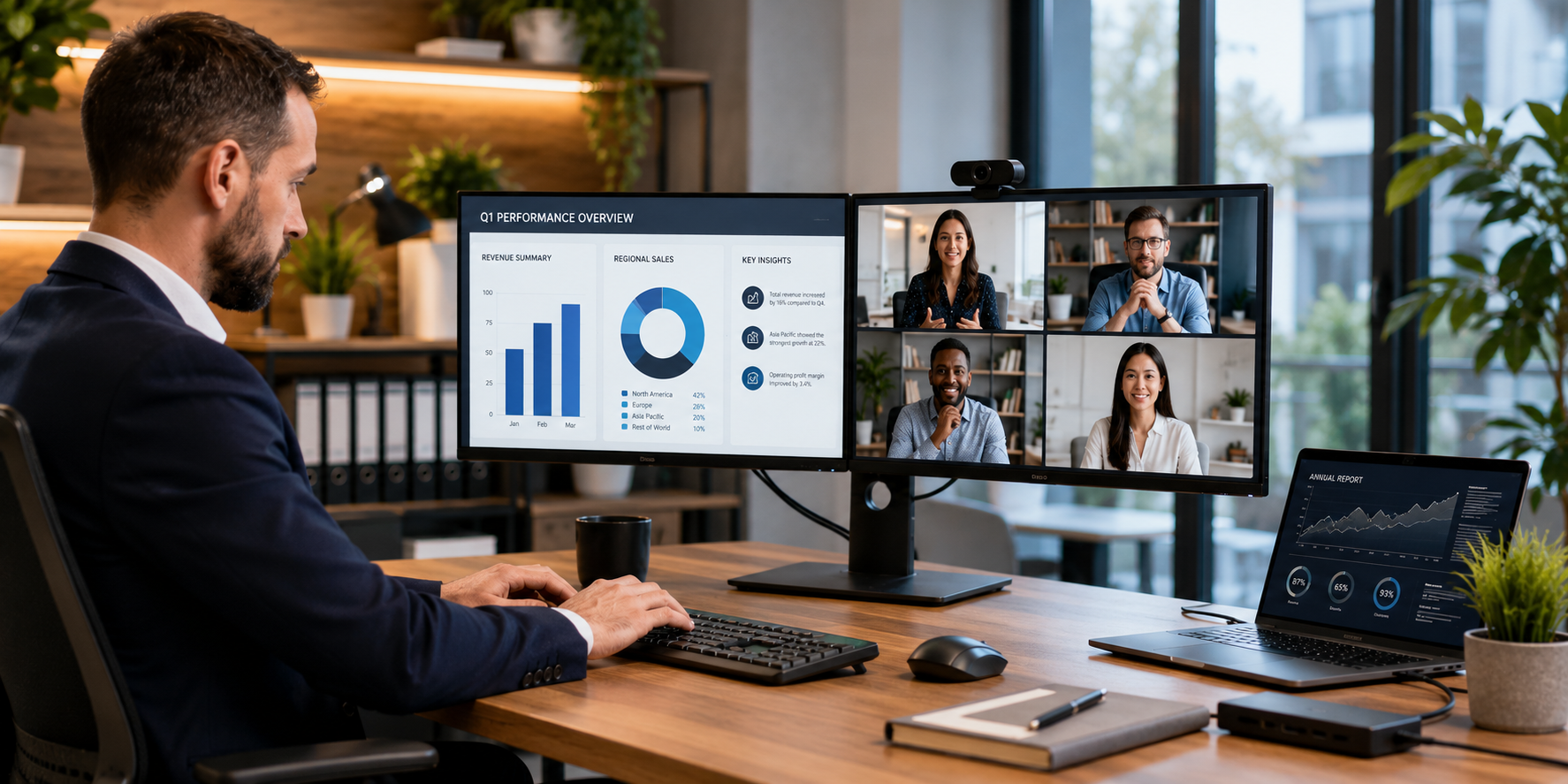
An additional monitor can add much needed screen real estate for an employee, an ergonomic keyboard and mouse can reduce the likelihood of discomfort and injury to hands and wrists. A headset or webcam can assist in enhancing the experience of virtual meeting participants.
Partners can help customers develop common workstation configurations across departmental lines but also permit different workstation configurations for specialized personnel roles.
Sales teams, consultants, field personnel and others as mobile professionals, have unique requirements for their peripherals. These requirements typically include portability, wireless capability, small size, and ease-of-use when connecting to devices.
These individuals can take advantage of USB-C Hubs, wireless headsets, portable keyboards/mouse/displays to establish productively functional work spaces regardless of their location.
Professional developers, designers, engineers and content creators may require more peripheral equipment.
In addition to high resolution monitors, color-accurate displays, graphics tablets, advanced docking solutions, and high-end input devices can all support challenging workflows.
Building a Complete Workstation
Partners have the biggest opportunity to bundle accessories with the base unit.
A workstation will have the following units:
Partners will have the option to sell each item individually; however they also have the ability to provide the customer with a complete system based upon their current workforce.
For instance, a hybrid employee may look for laptop, a USB-C monitor dock, wireless keyboard, and headset. If a company has a finance team, they will likely need either a desktop or laptop, two monitors, and some sort of ergonomic peripherals. For companies with a creative team, they will typically need high resolution displays and specific types of input devices.
Opportunity for Partners
Peripheral products can create new opportunities across several stages of the customer life cycle.
From Accessories to Solutions
To transform how you think about peripherals, you should move away from thinking about them as secondary products.
- A monitor provides more display area
- A dock makes connecting easier
- A headset improves communications
- A webcam enables collaboration
- A keyboard & mouse improve daily productivity
Each one individually solves a particular problem; all together they can enable a comprehensive workstation solution.
So as business customers are evaluating the right tools, partners can identify compatible solutions rather than just answering each product request.
The modern workspace is no longer just about having a single computer (laptop or desktop). The employee needs the correct mix of hardware (devices) and peripherals in order to effectively communicate, collaborate, and be productive within all potential working environments.
This gives partners the opportunity to go beyond selling just products and become transactional sellers of products. The right combination of monitors, docks, headsets, webcams, keyboards, mice, and other office accessories for productivity can turn an individual device into a complete workplace solution.
Explore workplace peripherals and solutions on Redington Online.
Explore Workplace Peripherals